An Odoo alternative built from separate apps
Odoo is a very broad, modular suite that also covers areas such as production and stock. Many companies use it well. If you are looking for an Odoo alternative, it is often because you need less: sales, projects, invoices and bookkeeping, set up by yourself, without an implementation project. That is what the Lead suite is built for, for small businesses and freelancers.
No credit card. Every app except CashLead has its free plan, with no time limit.
Different choices, not a ranking
Odoo brings many business areas into one platform. Depending on the modules chosen, it can be adapted very far, which usually means some setup work and sometimes a partner to help.
The Lead suite makes a different choice: separate, specialized apps, each with its own free plan except CashLead, linked by one free Lead account. You open the app you need and you work with it the same day. Apps used by the same company pass contacts, deals, projects and hours to each other without a connector.
Odoo and the Lead suite, point by point
A general comparison of approaches. For details of Odoo's current offer, refer to Odoo directly.
| Point | Odoo | Lead suite |
|---|---|---|
| Scope | Very broad modular suite, including areas such as production and stock | Sales, projects, invoicing and bookkeeping, plus trade shows, team cards and website visits |
| Structure | One platform with modules | Separate apps, one Lead account |
| Getting started | Usually a setup phase, depending on the modules chosen | Sign up in a minute, open an app with your Lead account |
| Free start | Depends on the offer and modules chosen | A free plan in every app except CashLead, no credit card, no time limit |
| Paying | According to Odoo's own pricing | Per app, only where you need more |
| Linking | Within the platform | Through the account, no API key or connector |
The Lead apps that replace the everyday modules
CRMlead
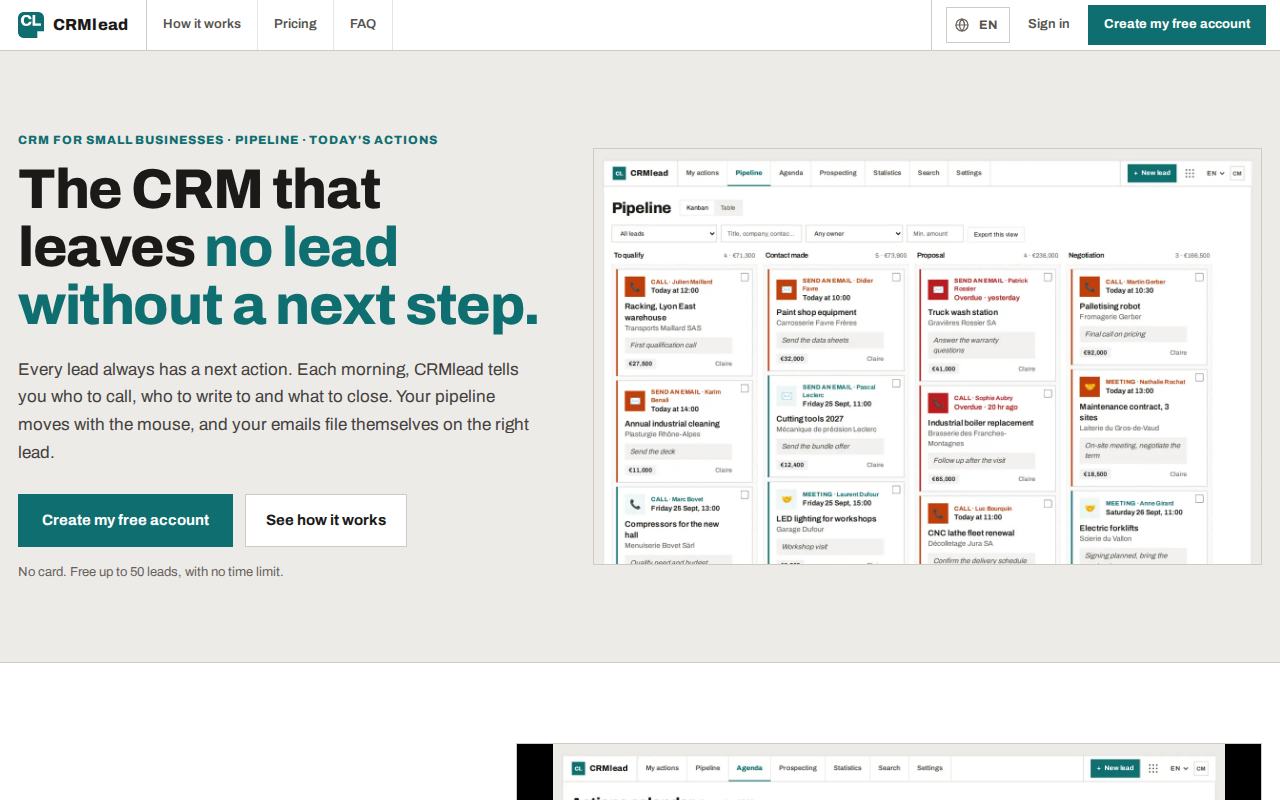
Dated next action on every lead, kanban pipeline, Gmail or Microsoft 365 emails on the right lead, booking pages.
ProjectLead
Steps, tasks, deadlines and time tracking, with hours sent to InvoiceLead.
InvoiceLead
Quotes, invoices, reminders, receipts read from a photo, double-entry books, for Switzerland, Germany, France, the United Kingdom and the United States.
ScanLead
Trade-show contacts captured with the phone browser, entirely free.
VisitLead
See which companies visit your website, without spying on anyone, with country rules applied automatically.
When Odoo remains a good choice
- You need production, stock, purchasing or other operations in the same system as sales and invoicing.
- You want one platform that can be configured in depth, and you have the time or a partner for it.
- You already run Odoo successfully: there is no reason to change.
- The Lead suite is the better fit when you want to start free, alone or with a small team, and be productive today.
An AI Assistant that applies, after your click
The ERPlead AI Assistant reads your profile, your organization, your plan in each app, your subscriptions (read only) and your open sessions, and opens the right screen. It proposes account changes such as display name, language or organization name on one “To confirm” card; one click on “Confirm” applies them all, and nothing is written before. Each Lead app except CashLead also has its own built-in AI Assistant, limited on the free plan, within that app's job.
Frequently asked questions
Is the Lead suite a full replacement for Odoo?
Not for every module. It covers sales, projects, invoicing and bookkeeping for small businesses and freelancers. If you rely on production or stock modules, Odoo or another ERP remains the right tool.
How long does it take to get started?
About a minute to create the Lead account, then you open the app you need. There is no implementation project.
Can I start for free?
Yes. The Lead account is free and every app except CashLead has a free plan, with no credit card and no time limit.
Is it suitable for freelancers?
Yes. All free plans work for one person, and you can invite colleagues later from the same account.
How do I bring my contacts?
CRMlead imports Excel and CSV files and recognizes exports from noCRM.io, Pipedrive and HubSpot. Other tools can usually export to CSV.
Read next
Try the Lead suite for free
Create your Lead account and open your first app today, without a setup project.